How to Write a Google Business Profile That Gets Calls
A Google Business Profile that gets calls is accurate, complete, specific and kept fresh. Here is exactly what to write in each section, step by step.

A Google Business Profile that gets calls does four things: it picks the right main category, it states clearly what you do and where, it shows real photos and up-to-date hours, and it makes calling you the easiest next step. You do not need clever copywriting. You need accuracy, detail and a little regular attention. Here are the google business profile tips that matter most, in the order to tackle them.
Start with the basics Google uses to decide who to show
Before you polish any wording, get the foundations right. Google shows local results largely based on three things: how relevant your profile is to the search, how close you are to the searcher, and how well known and trusted your business appears. You cannot change your distance, but you can control relevance and trust.
Use your real business name
Use the name on your sign, invoices and website. Stuffing it with keywords (for example, adding "Cheap Emergency Plumber London") goes against Google's guidelines and can get your profile suspended. It also looks spammy to customers.
Choose the right primary category
Your primary category is one of the strongest signals you control. Pick the one that describes your core service, not a broad one. A business that mainly fixes boilers should choose something like a boiler repair category rather than a generic one. Then add secondary categories for other things you genuinely offer, but only a few that are true.
Keep your name, address and phone number consistent
Your details should match your website, social profiles and any directory listings exactly. Inconsistent phone numbers or old addresses confuse Google and customers alike. If you serve customers at their location and do not have a shopfront, hide your address and set a service area instead.
Write a description that sounds like a person, not an advert
Your description has a generous character limit, but only the first lines are likely to be seen without clicking, so put the most important information first. Aim to answer three questions: what do you do, who for, and where?
A simple structure works well:
- Sentence one: what you do and where. "We repair and install boilers for homes across Leeds and Harrogate."
- Sentence two: what makes you different, factually. Years in business, accreditations you actually hold, same-day call-outs if you really offer them.
- Sentence three: how to get in touch or what to expect. "Call us for a free quote."
Avoid pricing claims, special offers with dates, links, and shouting in capital letters. Write the way you would explain your business to a neighbour. Mention the natural words customers use, such as "emergency", "family-run" or "same-day", but only where they are true.
Fill in every section that helps someone decide to call
An incomplete profile gives people a reason to scroll past. Work through each section and ask: would this help a nervous first-time customer?
Services and products
Add each service you offer with a short, plain description. If you sell products, list your best-sellers with a clear photo. Use the words customers search for, not internal jargon. "Leaking tap repair" beats "domestic water fixture maintenance".
Opening hours
Accurate hours are one of the biggest causes of missed calls and bad reviews. Set special hours for bank holidays and holidays well ahead of time. If you take calls outside opening hours, say so in your description.
Attributes and booking links
Turn on the attributes that apply, such as wheelchair access, online appointments or women-owned, only if they are accurate. Add a booking or quote link if you have one, but make sure the phone number stays prominent for people who prefer to call.
Questions and answers
Where the Q&A feature is available, add the questions you hear all the time and answer them yourself. Do you do weekend visits? Is parking available? Do you give free quotes? It saves callers time and filters out poor-fit enquiries.
Photos and reviews build trust before anyone dials
People often judge a business in a few seconds. Real photos and recent reviews do most of the persuading.
Photos worth uploading
- Your exterior and entrance, so people can find you
- Your team at work, with permission
- Real examples of your finished work
- Inside your premises, if customers visit
- A clear logo and cover photo
Use your own photos rather than stock images, and add new ones regularly. Fresh images show that the business is active.
Getting more reviews the right way
Ask happy customers to leave a review straight after a job, when it is fresh. Send them the direct review link from your profile by text or email. Do not pay for reviews, offer discounts in exchange for them, or write your own. Google can remove reviews and penalise profiles for this.
Reply to every review, good or bad. Thank people by name and mention something specific. For negative reviews, stay calm, apologise where it is fair, and offer to sort it out offline. Future customers read your replies as much as the reviews themselves.
Keep it fresh and connect it to your website
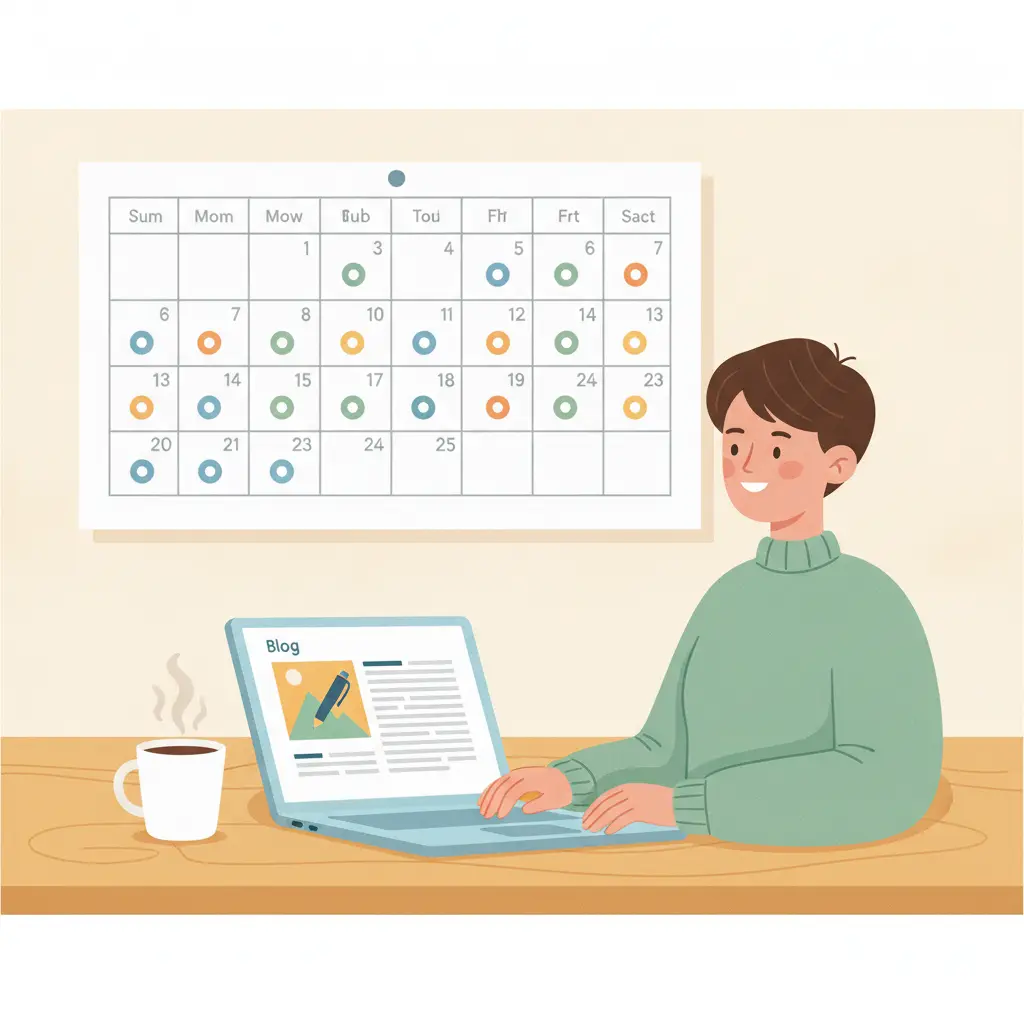
A profile you set up once and forget slowly loses ground. Spend ten minutes a month on it: post an update or offer through Google Posts, add a couple of photos, check your hours and respond to new reviews.
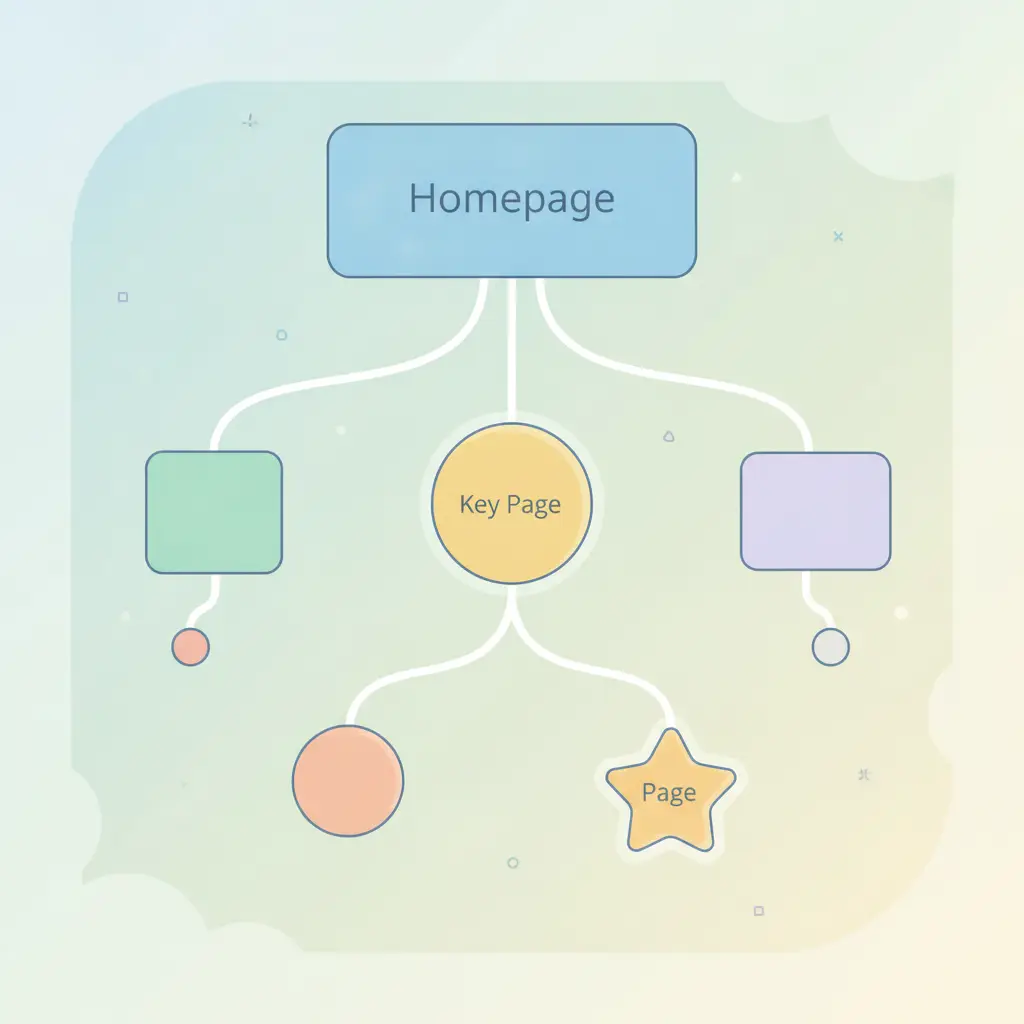
Your website matters too. The link on your profile should go to the most useful page, which is often a dedicated page for your main service or location rather than a cluttered home page. That page should repeat your name, address, phone number and services clearly, and load quickly on a phone, since most local searchers are on mobile. If your site runs on WordPress, our guide to WordPress SEO on autopilot shows how the on-page side can be handled for you.
It is also worth checking whether AI assistants mention you when people ask for local recommendations. Consistent details across your profile, website and directories help there as well. You can see where you stand with the AI visibility checker.
A simple monthly checklist
- Confirm your name, address, phone number and hours are correct.
- Reply to all new reviews.
- Upload two or three new photos.
- Publish one post about a service, project or seasonal tip.
- Check your website's linked page still works and shows the same details.
- Look at the calls and searches shown in your profile to see what is working.
Small, steady upkeep beats a big one-off push. And if you would rather not manage your website's SEO yourself, AutoXSEO can handle the website side on autopilot while you look after your profile and your customers.
Frequently asked questions
How long does it take for Google Business Profile changes to show up?
Simple edits such as photos or hours often appear within a day or two, but some changes, especially to your name, category or address, can take longer and may need Google to review them. Check back after a few days before changing things again.
Can I put keywords in my Google Business Profile description?
Yes, use the natural words customers search for, such as your service and your area, but write for people first. Do not stuff your business name with keywords, as that can lead to suspension.
How many photos should I add to my profile?
There is no magic number. Start with a logo, cover photo, exterior, interior and several examples of your work, then add a few new photos each month. Real, clear photos matter more than quantity.
Do I need a website if I have a Google Business Profile?
A profile can work on its own, but a simple website gives Google and customers more information and builds trust. It also gives you a page to link to for bookings, quotes and detailed service information.
What should I do about a fake or unfair review?
Flag it to Google through your profile and reply politely and factually in public. Do not argue. If the review breaks Google's policies it may be removed, but it can take time.