Making Your Website Easy for AI Assistants to Read
AI assistants can only recommend what they can read and understand. Here is a plain-English, step-by-step guide to making your website clear to both people and machines.
To make your website readable for AI, write clear pages that answer real questions in plain words, organise them with proper headings, let AI crawlers actually reach your content, and add structured data (schema) that states the facts about your business. None of this needs a developer. Most of it is good writing and good housekeeping, and it helps your regular Google rankings too.
AI assistants such as ChatGPT, Claude, Gemini and Perplexity pull information from web pages, then summarise it for the person asking. If your page is vague, buried in images, or hidden behind a setting that blocks crawlers, you simply do not get mentioned. Let's fix that, step by step.
Start by checking that AI can reach your site
Before you polish any words, make sure the door is open. Two common problems keep good sites invisible:
- A robots.txt file that blocks crawlers. This small file at yourwebsite.com/robots.txt tells bots what they may visit. Some security plugins and site builders block everything by accident. Open the file in your browser and look for lines like Disallow: / that apply to all bots.
- A "discourage search engines" setting. In WordPress, go to Settings, then Reading, and make sure the box about discouraging search engines is unticked. This setting is often left on after a site is built.
Also check that your important pages load without a login, a pop-up wall or a cookie banner that covers all the text. If a person has to click through three things to see the content, a crawler may not get through at all.
You can also run a quick test: see whether AI recommends your business today, so you have a starting point to compare against.
Put real text on the page, not just images
AI tools read text. If your opening hours, prices, services or address only appear inside an image or a PDF, they are much harder to read and easy to miss. Here is the simple rule: if it matters, write it as text on the page.
- Type out your services instead of using a graphic menu.
- Put your address, phone number and opening hours in normal text, ideally in the footer and on a contact page.
- Give every image a short, honest description (alt text) that says what is in it.
- Summarise the key points of any PDF on the page that links to it.
Videos work the same way. If you embed one, add a few sentences or a transcript underneath so the content can be understood without pressing play.
Answer questions directly, in plain words
People ask AI assistants full questions: "Who is a good plumber near me for a boiler repair?" or "What is the best way to store fresh coffee beans?" The pages that get used are the ones that answer clearly and early.
Lead with the answer
Put a short, direct answer in the first paragraph, then explain. If a page is about boiler servicing, say what you offer, who it is for and the area you cover in the first few lines. Do not make readers (or machines) dig through a long story first.
Use the words your customers use
Write "hair colour for grey coverage" if that is what customers type, not an internal name you made up for the service. Read your own emails and phone enquiries and borrow the phrases people use.
Be specific
Vague claims like "great service, great prices" give an assistant nothing to quote. Specific facts do: the areas you serve, what is included, how long a job usually takes, what you do not do. Only state what is true and keep it up to date.
Structure pages with clear headings
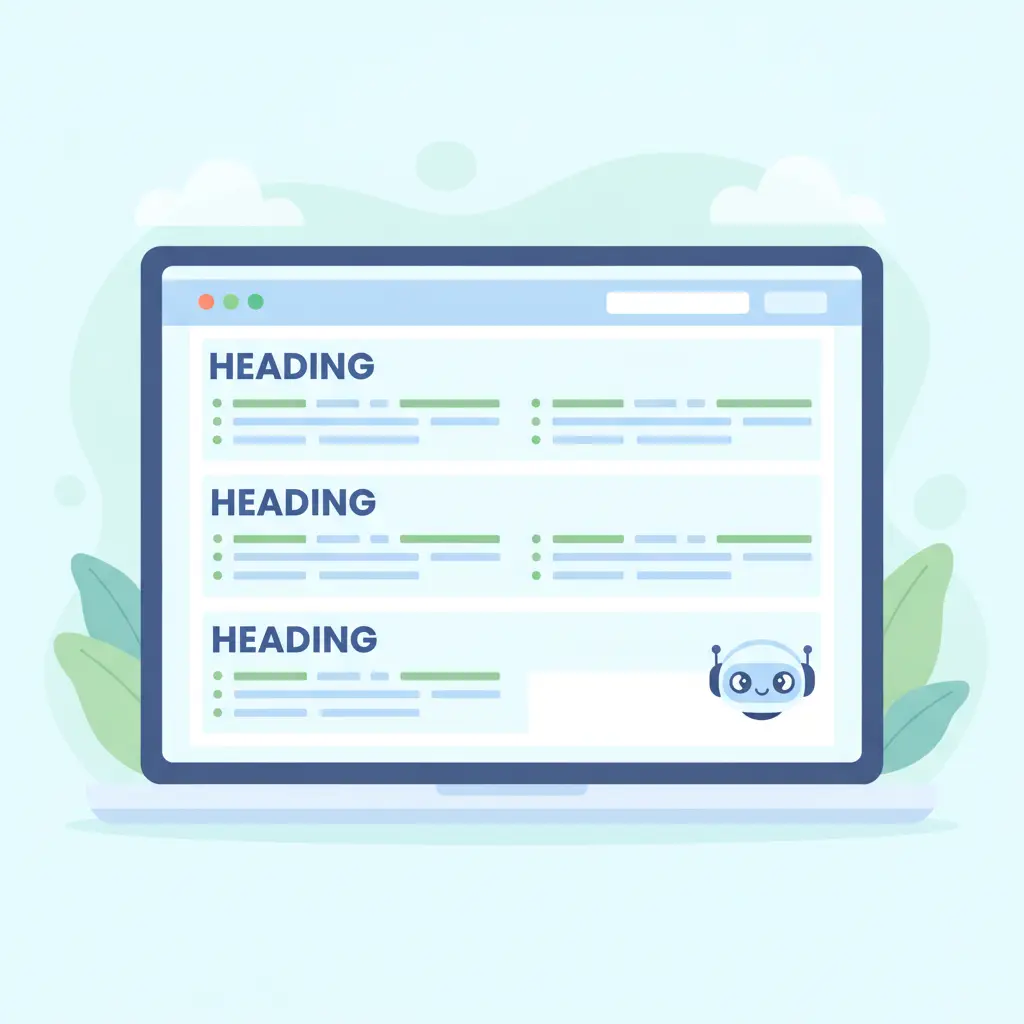
Headings are signposts. They show both people and machines what each section is about. A tidy page usually has:
- One main heading (H1) that states the topic of the page.
- Subheadings (H2) for each major question or section.
- Smaller headings (H3) only when a section needs splitting further.
Phrase headings the way a customer would ask them, such as "How much does a kitchen fitting take?" or "Do you deliver outside London?". Keep paragraphs short, and use bullet lists for steps or features. A short FAQ at the bottom of key pages is also a handy format, because each question and answer stands alone and is easy to lift.
Avoid heading tricks such as using bold text instead of real headings, or skipping levels just for the look. In WordPress, use the heading dropdown in the editor so the structure is real, not just visual.
Add structured data so the facts are unambiguous
Structured data, often called schema, is a block of code in your page that states facts in a standard format: your business name, address, opening hours, products, prices, reviews and FAQs. Visitors never see it, but search engines and AI tools can read it without guessing.
Useful types for small businesses include:
- LocalBusiness for your name, address, phone and hours.
- Product for shop items, including price and availability (important for WooCommerce stores).
- FAQPage for question-and-answer sections.
- Article for blog posts, with author and date.
On WordPress, a reputable SEO plugin can add much of this for you. The key is that the schema matches what is visible on the page. Never mark up reviews or details that are not really there. If you would rather not wrangle this yourself, AutoXSEO for WordPress can handle page titles, descriptions, image descriptions and schema on autopilot.
Keep your facts consistent everywhere
AI assistants cross-check. If your website says you open at 9, your Google listing says 10 and a directory shows an old phone number, the answer gets muddy and you are less likely to be named with confidence. Do a quick tidy-up:
- Use the same business name, address and phone number everywhere.
- Keep your opening hours current, including holidays.
- Update old pages, prices and out-of-stock products.
- Make sure your Google Business Profile matches your site. Our guide on writing a Google Business Profile that gets calls walks through it.
Then publish helpful content regularly. Pages that explain how you do things, answer common questions and show real expertise give assistants more to draw on. For a wider look at this topic, see our page on being one of the sources AI cites.
A simple checklist to finish
- Confirm robots.txt and WordPress settings are not blocking crawlers.
- Make sure key info is written as text, not only in images or PDFs.
- Open each important page with a direct answer.
- Use real H1, H2 and H3 headings phrased as questions or clear topics.
- Add schema for your business, products and FAQs.
- Keep your name, address, phone and hours identical across the web.
- Re-check every few months and after any site redesign.
No one can promise that an assistant will recommend you, because these tools decide for themselves. But a site that is open, clear and consistent gives you the best realistic chance, and everything above also makes the site better for human visitors.
Frequently asked questions
Do I need special software to make my website readable for AI?
No. Most of the work is clear writing, proper headings, readable text on the page and accurate business details. A good SEO plugin on WordPress can add the structured data for you.
Can I block AI assistants from my site by accident?
Yes. A robots.txt file or a security setting can block crawlers, and the WordPress option to discourage search engines can also get in the way. Check both if you are not showing up anywhere.
What is schema and do I really need it?
Schema is hidden code that states facts about your business, products or FAQs in a standard format. It is not a magic switch, but it removes guesswork, so it is well worth adding.
How long until AI assistants mention my business?
There is no fixed timeline and nobody can guarantee a mention. Improve your site, keep your details consistent, publish helpful content and check back regularly to see what changes.